
Support
e.g. : MIDI, Manual, FAQ ...
Choose Your Product for Instructions, Manuals & FAQ
Software
Desktop / Mobile
-
BIAS XBuilt on AI. Driven by You.
-
Spark AppThe smart way to play and jam
-
BIAS FX 2New Era of Tone
-
BIAS AMP 2Advanced Modeling Technology
-
BIAS PEDALseriesTone Match Modeler
-
JamUpRehearse, jam anywhere
-
X DrummerThe first AI drum app for iOS
Discontinued Products
-
Final TouchMost Powerful Mobile Production Tool
-
BIAS AMPAdvanced Modeling Technology
-
BIAS FXInnovative Effects Proccessing
-
BIAS FXInnovative Effects Proccessing
-
BIAS FX 2New Era of Tone
-
BIAS AMP 2Advanced Modeling Technology
-
BIAS PEDALseriesTone Match Modeler
-
Experience
Jimi Hendrix™ -
OMNYSS
Expansion Pack
Desktop / Mobile
-
Experience
Jimi Hendrix™ -
OMNYSS
Hardware
Amp, Head, Rack & Pedals
-
 Spark NEOFeels Incredible. Sounds Unstoppable.
 -
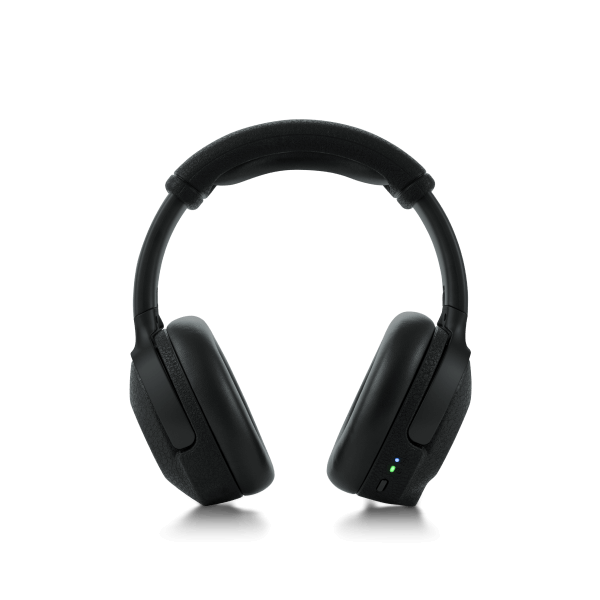 Spark NEO CoreFull guitar rig and premium headphones in one.
 -
 Spark 2This is your Spark. More than ever.
 -
 Spark EdgeBe Heard. Everywhere.
 -
 Spark MINIYou've never heard a small amp sound like this.
 -
 Spark GONothing short of brilliant.
 -
 Spark LIVEBorn to Play.
 -
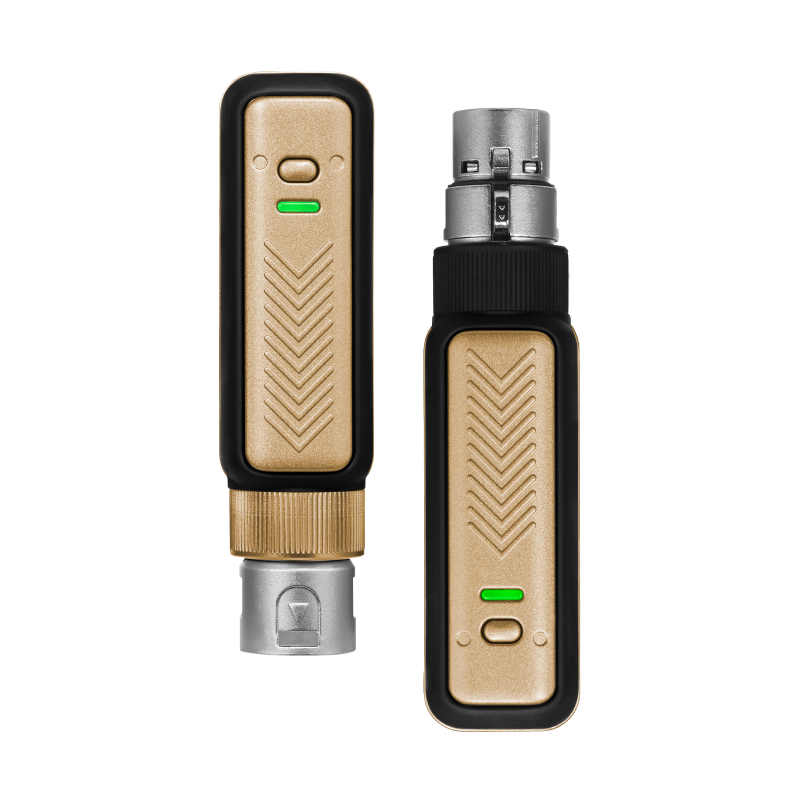 Spark LINK XLRPure performance. Zero cables.
 -
 Spark LINKPlug in. Break free.
 -
 Spark BatteryPower your Spark.
 -
 Spark Control XMaximum Control for Spark Series Amps.
 -
 Spark CABPlug In. Get Loud.
 -
 SparkThe smart way to play and jam.
 -
 RIFFPlay, jam and record with amazing tones and tools.
 -
 Spark ControlMore than just hands-free.
Discontinued Products
-
BIASHead / RackBring BIAS AMP technology to stage
-
FOOTSWITCHEssential for your BIAS Head/Rack/MINI
-
BIAS DistortionThe world’s first tone match distortion pedal
-
BIAS ModulationThe world’s first cross-platform modulation pedal
-
BIAS DelayThe world’s first cross-platform delay pedal
-
BT PedalFlexible wireless footcontroller
-
BIAS MINIBIAS Head power in a compact form factor
-
Trending FAQ
-
FAQ
-
Spark AI Beta Error: "Something Went Wrong"
-
How Do I Verify the Warranty for My Product?
-
Spark app - Download Resources Crash (Android Only) - Fixed in Ver. 3.2.3.6559
-
Spotify Integration Removed in Spark App v4.1.1
-
How Do I Register/Unregister My Products?
-
Spark Amp FAQ
-
Bluetooth Connection Troubleshooting Guide
-
How to Update Spark Firmware (Tutorial Video)
-
How to Download, Install and Activate Positive Grid Desktop Products
-
Spark AI Beta Error: "Something Went Wrong"
-
-
Spark 简体中文版
-
使用方法
-
-
BIAS MINI 支持页面
-
利用电脑和 iPad/iPhone 连结BIAS MINI
-
How-To 教学
-
-
BIAS AMP 2 Desktop
-
Troubleshooting
-
Product Information
-
License
-
Audio Settings
-
Update History and Release Notes
-
FAQ
-
-
BIAS FOOTSWITCH
-
How-To Tutorials
-
FAQ
-
Service Manual
-
-
BIAS MINI Guitar/Bass
-
Troubleshooting
-
User Manual
-
Firmware Release Notes
-
How-To Tutorials
-
FAQ
-
-
BIAS AMP Desktop
-
FAQ
-
Troubleshooting
-
Product Information
-
BIAS Amp Product Comparison Chart
-
What is BIAS Amp?
-
Quick Start
-
Amp Module: Control Panel
-
Amp Module: Preamp
-
Amp Module: Tone Stack
-
Amp Module: Power Amp
-
Amp Module: Transformer
-
Amp Module: Cab/Mic & EQ
-
Amp Module: IR Loader / Amp Match (Professional only)
-
Global Parameters
-
ToneCloud & Preset Management for BIAS Amp (Discontinued)
-
Preset Model List
-
BIAS FX Integration
-
BIAS Amp Product Comparison Chart
-
Audio Settings
-
License
-
Update History and Release Notes
-
How-To Tutorials
-
How to Use Amp Match in BIAS Amp 1 Desktop Professional Standalone Version
-
How to Use Amp Match (BIAS Amp Desktop Professional Plugin)
-
How to Uninstall BIAS Amp
-
How to Get Stereo Effects with a Mono Input in Cubase?
-
How to Find Custom Presets When Using BIAS Amp in GarageBand 10
-
How to Find BIAS Amp in Ableton Live
-
How to Find/Record with BIAS Amp in Cubase / Nuendo
-
How to Find/Record with BIAS Amp in GarageBand
-
How to Find/Record with BIAS Amp 2 in Logic Pro X
-
How to Find/Record with BIAS Amp in Mixcraft 7/8
-
How to Find/Record with BIAS Amp in Pro Tools
-
How to Find/Record with BIAS Amp in Reason
-
How to Find/Record with BIAS Amp in REAPER
-
How to Find/Record with BIAS Amp in Sonar
-
How to Find/Record with BIAS Amp in Studio One
-
How to Use Amp Match in BIAS Amp 1 Desktop Professional Standalone Version
-
-
BIAS AMP Mobile
-
Product Information
-
App Integration & Expansion Packs
-
Update History and Release Notes
-
FAQ
-
Troubleshooting
-
-
BIAS FX Desktop
-
Product Information
-
Audio Settings
-
License
-
Update History and Release Notes
-
Expansion Packs
-
BIAS FX JAM (For Apogee Users)
-
BIAS FX LE
-
How-To Tutorials: MIDI/Automation
-
How to Write Automations in Logic ?
-
How To Control BIAS FX Plugin with MIDI Controller in Cubase
-
How to Use MIDI Control in Standalone Version?
-
How to Send Automated MIDI Program Changes to BIAS FX in REAPER ?
-
How to Write Automations in Cubase?
-
How to Control BIAS FX Plug-in with MIDI Controller in Ableton Live?
-
How to Control BIAS FX Plug-in with MIDI Controller in Logic Pro?
-
How to Use MIDI Track + MIDI Controller to Change Presets in Logic Pro ?
-
How to Make Program Change Automations in Logic Pro?
-
How Do I Use MIDI Track to Change Plugin Presets in Pro Tools?
-
How to Write Automations in Logic ?
-
How-To Tutorials: Recording
-
How to Record Mono and Stereo Guitar Track
-
How to Find/Record with BIAS FX in Sonar
-
How to Find/Record with BIAS FX in Studio One
-
How to Find/Record with BIAS FX in REAPER
-
How to Find/Record with BIAS FX in Reason
-
How to Find/Record with BIAS FX in Pro Tools
-
How to Find/Record with BIAS FX in Mixcraft 7/8
-
How to Find/Record with BIAS FX in Logic Pro
-
How to Find/Record with BIAS FX in GarageBand
-
How to Find/Record with BIAS FX in Cubase / Nuendo
-
How to Find BIAS FX in Ableton Live
-
How to Record Mono and Stereo Guitar Track
-
FAQ
-
Troubleshooting
-
-
BIAS FX Mobile Universal
-
Product Information
-
BIAS FX Mobile Universal Expansion Packs
-
App Integration & Inter-App Audio
-
Update History and Release Notes
-
FAQ
-
Troubleshooting
-
-
BIAS Pedal Desktop
-
Product Information
-
Update History and Release Notes
-
BIAS Pedal Modules
-
How-To Tutorials
-
How to Activate BIAS Pedal License
-
How to Reset BIAS Pedal to Default Settings
-
How to Uninstall BIAS Pedal
-
How to Pedal Match?
-
How to Sync with BIAS Pedal for iPad
-
How to Find BIAS Pedal in Ableton Live
-
How to Find/Record with BIAS Pedal in Cubase / Nuendo
-
How to Find/Record with BIAS Pedal in Logic Pro
-
How to Find/Record with BIAS Pedal in Mixcraft 7/8
-
How to Find/Record with BIAS Pedal in Pro Tools
-
How to Find/Record with BIAS Pedal in Reason
-
How to Find/Record with BIAS Pedal in REAPER
-
How to Find/Record with BIAS Pedal in Sonar
-
How to Find/Record with BIAS Pedal in Studio One
-
How to Activate BIAS Pedal License
-
FAQ
-
Troubleshooting
-
-
BIAS Pedal Mobile
-
Product Information
-
App Integration & BIAS Pedal Modules
-
Update History and Release Notes
-
FAQ
-
Troubleshooting
-
-
JamUp
-
Product Information
-
In-App Purchase
-
MIDI Control
-
Update History and Release Notes
-
FAQ
-
-
Final Touch
-
[IMPORTANT NOTICE]
-
User Manual
-
How-To Tutorials
-
Mastering on iPad - Overview (Part 1)
-
Mastering on iPad - Using EQ (Part 2)
-
Mastering on iPad - Multi-Band Dynamics (Part 3)
-
Mastering on iPad - Stereo Enhancement (Part 4)
-
Mastering on iPad - The Maximizer (Part 5)
-
Mastering on iPad - Reverb Section (Part 6)
-
Mastering on iPad - Presets and Exporting (Part 7)
-
Mastering on iPad - Inter-App Audio (IAA) (Part 8)
-
Mastering on iPad - Mastering Rock and Pop (Part 9)
-
Mastering on iPad - Mastering an Electronic Track (Part 10)
-
Mastering on iPad - Overview (Part 1)
-
Update History and Release Notes
-
-
X Drummer Mobile
-
Product Information
-
Update History and Release Notes
-
FAQ
-
-
BIAS Head / Rack
-
User Manual
-
Firmware Release Notes
-
BIAS Head / Rack
-
Fundamental Connections and Their Uses
-
Connection via Desktop and Mobile
-
Preset Management
-
Amp Control
-
How-To Tutorials
-
FAQ
-
FAQ - BIAS Head/Rack
-
How Do I Get My Free BIAS AMP 2 Desktop License? Will It Still Available to Me If I Sell My BIAS Amp Series Hardware?
-
Can I Integrate BIAS FX with BIAS Head/Rack?
-
Does the BT-4 Bluetooth Pedal Work with the BIAS Head/Rack?
-
Can I Use BIAS Head/Rack as Audio Interface in DAW or on My Computer?
-
Can I Connect The XLR Outputs to A Device with 48v Phantom Power Enabled?
-
FAQ - BIAS Head/Rack
-
Troubleshooting
-
Is There a Self-Troubleshooting Guide that I Can Refer to Should I Encounter a Problem with My Unit?
-
BIAS Amp 2 Desktop Does Not Detect BIAS Head/Rack via USB
-
BIAS Amp 2 App Does Not Detect BIAS Head/Rack via Bluetooth
-
Why Do I Have Unwanted Hums and Hiss Coming from My Amp?
-
There’s No Sound on the Speaker Output, What Can I Do?
-
Failed to Upload Presets From ToneCloud in BIAS Amp2 iPhone/iPad App to BIAS Head/Rack, What Can I Do?
-
Is There a Self-Troubleshooting Guide that I Can Refer to Should I Encounter a Problem with My Unit?
-
-
BT Pedal
-
BT Pedal User Guide
-
Connecting BT-4 to BIAS FX and JamUp
-
Connecting BT-4 to Other Guitar-based Apps
-
Connecting BT-4 to Non Guitar-based Apps
-
FAQ
-
-
BIAS Distortion
-
User Manual
-
Getting Started
-
BIAS Pedal Integration
-
FAQ
-
Troubleshooting
-
Why does my iPad keep asking me to turn on the bluetooth when it's already on?
-
I disconnected my pedal by accident when I was upgrading the firmware
-
I’m getting noise when powering up my pedal through the USB port
-
I’m unable to turn the pedal on with my power supply
-
I’m getting noise from my amp when I have my pedal turned on
-
I have unwanted high-pitch noise/hum through my power supply "VooDoo Lab Pedal Power 2 Plus", what's causing it?
-
I am not able to connect the BIAS Pedal Distortion to computer (Bias Pedal software), what can I do?
-
I am not able to use the 9V power jack. What type of 9V adapter plug can I use with the pedal?
-
Why does my iPad keep asking me to turn on the bluetooth when it's already on?
-
-
BIAS Delay
-
User Manual
-
FAQ
-
Troubleshooting
-
Why does my iPad keep asking me to turn on the bluetooth when it's already on?
-
I disconnected my pedal by accident when I was upgrading the firmware
-
I’m getting noise when powering up my pedal through the USB port
-
I’m unable to turn the pedal on with my power supply
-
I’m getting noise from my amp when I have my pedal turned on
-
I am not able to connect the BIAS Pedal Delay to computer (BIAS Pedal software), what can I do?
-
I am not able to use the 9V power jack. What type of 9V adapter plug can I use with the pedal?
-
Why does my iPad keep asking me to turn on the bluetooth when it's already on?
-
-
BIAS Modulation
-
User Manual
-
FAQ
-
Troubleshooting
-
Why does my iPad keep asking me to turn on the bluetooth when it's already on?
-
I disconnected my pedal by accident when I was upgrading the firmware
-
I’m getting noise when powering up my pedal through the USB port
-
I’m unable to turn the pedal on with my power supply
-
I’m getting noise from my amp when I have my pedal turned on
-
I am not able to connect the BIAS Pedal Delay to computer (Bias Pedal software), what can I do?
-
I am not able to use the 9V power jack. What type of 9V adapter plug can I use with the pedal?
-
Why does my iPad keep asking me to turn on the bluetooth when it's already on?
-